

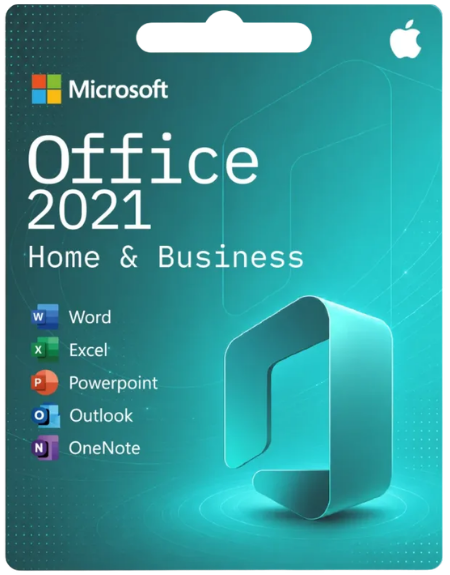
Office 2021 Home & Business

From: $190 $110
- Authentic Keys: Office 2021 Home & Business software at a fraction of retail, with dedicated support.
- Instant Delivery: Receive your product key within minutes and download directly from Microsoft.
- Full Retail Edition: Complete Office suite with 32-bit & 64-bit support.
- One-Time Purchase: Pay once, use for life. No recurring subscriptions or hidden fees.
- Compatible with three most recent versions of macOS & Windows
Office 2021 Home & Business for Mac Key
In Microsoft Office 2021 Home & Business for Mac you will find new co-authoring features, inking tools, data types, functions, translation and editing tools, motion graphics, ease-of-use features, and so much more. Microsoft’s developers have also worked on the performance. In everyday life, everyday applications convince with a faster response, especially for weaker computers, this announcement represents a significant improvement and a reason for an upgrade.
Discover the exceptional value of our product, originally priced at $249.95, now available to you at a fantastic deal without sacrificing quality.
What’s new in Microsoft Office 2021 Home & Business for Mac?
There are a lot of new cross-app features in Microsoft Office 2021 Home & Business for Mac, which make your work a lot easier and increase efficiency at the same time. An extended dark mode affects the optics, for example, but at the same time creates a better overview on the desktop when using several programs.
Co-author documents – With real-time co-authoring, you can work with others in the same document at the same time. There’s no need to send extra notes or emails because everyone will be notified when a file is updated.
Better collaboration with modern comments – Have control of when you send comments to your co-authors and be productive with a consistent commenting experience between Word, Excel, and PowerPoint.
Know who’s in your document – See who else is working along with you and where they are in the document. You’ll find this experience in Word, Excel, and PowerPoint.
Visual refresh – Work with a modernized Start experience and newly refreshed tabs in the ribbon. Experience a clean, clear style with monoline iconography, neutral color palette, and softer window corners. These updates communicate action and provide features with simple visuals.
See what’s new in stock media – We’re constantly adding more rich media content to the Office Premium Creative Content collection, a curated library of stock images, icons, and more that helps you express yourself.
Find what you need with Microsoft Search – At the top of your Microsoft Office apps you’ll find the new Microsoft Search box. This powerful tool helps you quickly find what you’re looking for, from text to commands to help and more.
Increase the reach of your content – Accessibility Checker keeps an eye on your documents and tells you in the status bar when it finds something you should look at. Try it by clicking Review > Check Accessibility.
Performance improvements – Experience improved performance, stability, and speed across Word, Excel, PowerPoint, and Outlook. Get faster calculations from common Excel functions like SUMIF, COUNTIF, and AVERAGEIF.
Updated Draw tab – Quickly access and change the color of all your inking tools in one place. Simplify how you work with ink using new Draw tab additions: Point Eraser, Ruler, and Lasso.
Save your changes as they happen – Upload your files to OneDrive, OneDrive for Business, or SharePoint Online to make sure all your updates are saved automatically.
Support for OpenDocument format (ODF) 1.3 – Support for the OpenDocument format (ODF) 1.3. The ODF 1.3 specification adds support for many new features.
Try the Sketched style outline – You can give a casual, hand-drawn look to shapes in your presentations with the Sketched style outline. Try out the Curved, Freehand, or Scribble options under Format Shape > Line > Sketched style.
Pick the perfect color – New input field in the Colors dialog for Hex color values. Now you won’t have to spend time converting Hex color values into RGB values. For any property where you can define a color, you can now enter a Hex color value in the Hex box, for example, #0F4C81 or 444.
New breakthrough innovations in Excel
Look left, look right… XLOOKUP is here! – Row by row, find anything you need in a table or range with XLOOKUP.
Dynamic arrays – Write one formula and return an array of values. Expedite calculations and insights with six new functions: FILTER, SORT, SORTBY, UNIQUE, SEQUENCE, and RANDARRAY.
LET function – The LET function assigns names to calculation results. This allows storing intermediate calculations, values, or defining names inside a formula.
XMATCH function – The XMATCH function searches for a specified item in an array or range of cells, and then returns the item’s relative position. You can also use XMATCH to return a value in an array.
Sheet views – Create customized views in an Excel worksheet without disrupting others.
Accessibility ribbon – The Accessibility ribbon puts all the tools you need to create accessible content in one place.
There is a lot new to discover in PowerPoint
New and improved Record Slide Show – Record Slide Show now supports presenter video recording, ink recording and laser pointer recording.
Ink Replay – Slide Animation for Ink object – Now you can apply the new Replay or Rewind animation to ink and get the drawing effect directly in your presentations. You can adjust the timing of these animations to be faster or slower to match the experience you want.
Arrange elements on your slides for screen readers – See the elements in screen-reading order and re-arrange them as necessary to communicate your message effectively.
Link to a slide – Ask a colleague to contribute to your slide deck, and start them directly on the slide you need help with.
Many innovations in Outlook
Translator and ink in Outlook – Translate email messages into more than 70 languages on the fly and view the transcript—all within Outlook. Annotate email images or draw in a separate canvas using your finger, pen, or mouse.
Use Instant Search to quickly find emails – Select the search bar (located above the Outlook ribbon) to help find email messages anywhere in Outlook.
Important improvement in Word
Improve comprehension with Line Focus – Move through a document in Word, line by line, without distractions. Adjust the focus to put one, three, or five lines in view at a time.
Microsoft Teams new in Office 2021
So far, the software “Skype” for video conferencing was part of the standard equipment of Office 2019 and the previous versions. With Microsoft Office 2021 Home & Business for Mac, however, this is a thing of the past. For some time now, Microsoft has been encouraging users to switch to the “Teams” alternative, which is now becoming an integral part of the Office suite. The Skype for Business Client is therefore no longer included, but has not been deleted without replacement. Video conferences with large groups, surveys among all participants or the extended sharing of different files are available as practical features in the revised version of Microsoft Teams.
Office 2021 Home and Business, Office 2021, Office Home & Business 2021, Microsoft Office Home Business, Office 2021 License, Office 2021 Product Key, Office 2021 Activation Key, Microsoft Office License, Microsoft Office Digital License, Office for Windows, Office for Mac, Microsoft Word 2021, Microsoft Excel 2021, Microsoft PowerPoint 2021, Microsoft Outlook 2021, Office Productivity Software, Microsoft Office Suite, Office License Key, Genuine Software License, Instant Digital Delivery
| system | MacOS, Microsoft Windows |
|---|
Related Products
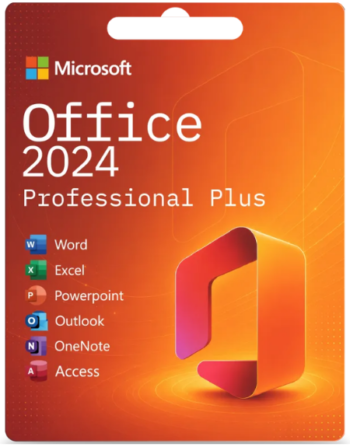
- Authentic Keys: Genuine Microsoft Office 2024 Professional Plus software at a fraction of retail.
- Instant Delivery: Receive your product key within minutes.
- Full Retail Edition: Complete Office suite with 32-bit & 64-bit support.
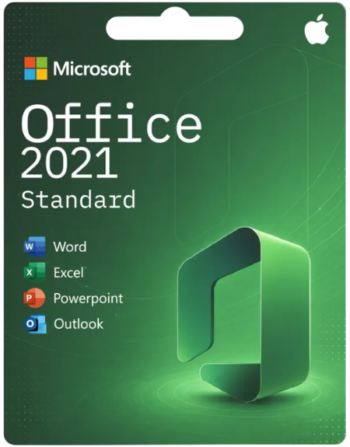
- Authentic Keys: Office 2021 Standard software at a fraction of retail.
- Instant Delivery: Receive your product key within minutes.
- Full Edition: Office 2024 Standard supports 32-bit and 64-bit.
- One-Time Purchase: Pay once, use for life. No recurring subscriptions or hidden fees.

- Authentic Keys: Office 2024 Home for Mac software at a fraction of retail.
- Instant Delivery: Receive your product key within minutes and download directly from Microsoft.
- Full Retail Edition: Complete Office 2024 Home for Mac support.
- One-Time Purchase: Pay once, use for life. No recurring subscriptions or hidden fees.

- Authentic Keys: Office 2021 Professional Plus software at a fraction of retail, with dedicated support.
- Instant Delivery: Receive your product key within minutes and download directly from Microsoft.
- Full Retail Edition: Complete Office suite with 32-bit & 64-bit support..
- One-Time Purchase: Pay once, use for life. No recurring subscriptions or hidden fees.

- Authentic Keys: Adobe Creative Cloud software keys at a fraction of retail, with dedicated support.
- Instant Delivery: Receive your product key within minutes and download directly from ADOBE.
- Full Retail Edition: Complete Office suite with 32-bit & 64-bit support.
- One-Time Purchase: Subscriptions 1 Year License.

- Authentic Keys: Genuine Office 2024 Standard for mac , with dedicated support.
- Instant Delivery: Receive your product key within minutes and download directly from Microsoft.
- One-Time Purchase: Pay once, use for life. No recurring subscriptions or hidden fees.

- Authentic Keys: Genuine Office 2024 Standard software at a fraction of retail.
- Instant Delivery: Receive your product key within minutes .
- One-Time Purchase: Pay once, use for life. No recurring subscriptions or hidden fees.
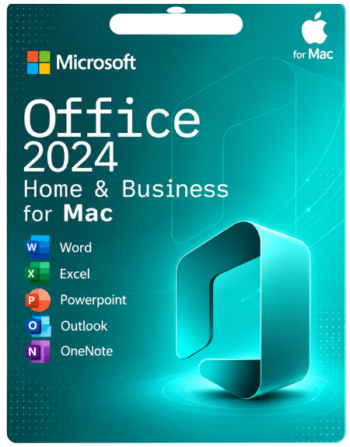
- Office 2024 Home & Business for Mac
- One-time purchase for 1 PC or Mac
- Compatible with Windows 11, Windows 10, or macOS
Reviews
There are no reviews yet.